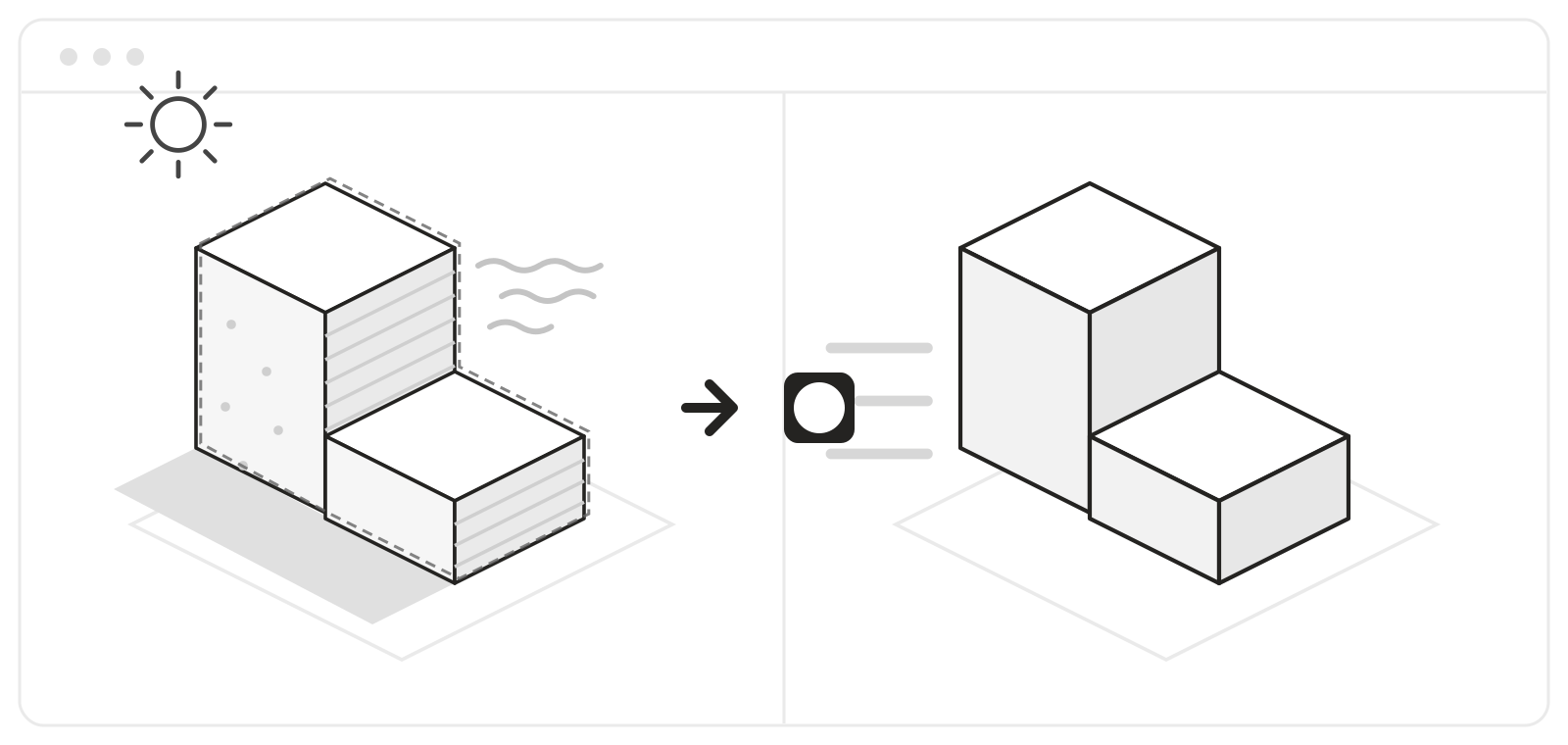
One click. A lighter working view.
Turbo Mode turns off textures, shadows, transparency, and other display effects that can slow SketchUp down. Your geometry, materials, tags, and saved scenes stay untouched.
Before using it, make sure you have a saved scene whose display settings you are happy to return to. Any suitable existing scene works. When you are finished, activate that scene to restore the settings it saved.
View Turbo Mode and release status
Built for demanding SketchUp work
WRA Turbo is the always-free suite that includes Turbo Mode. Its tools are built and used inside a working architecture practice, with no telemetry, network calls, or background observers.
WRA Turbo Pro will be a separate paid suite for broader production automation. It is not required for Turbo Mode.
What is coming next
- Studio Styles — WRA Turbo, coming soon
- Tag Manager — WRA Turbo Pro
- Scene Generator — WRA Turbo Pro
- LayOut Tools — WRA Turbo Pro